


5% OFF
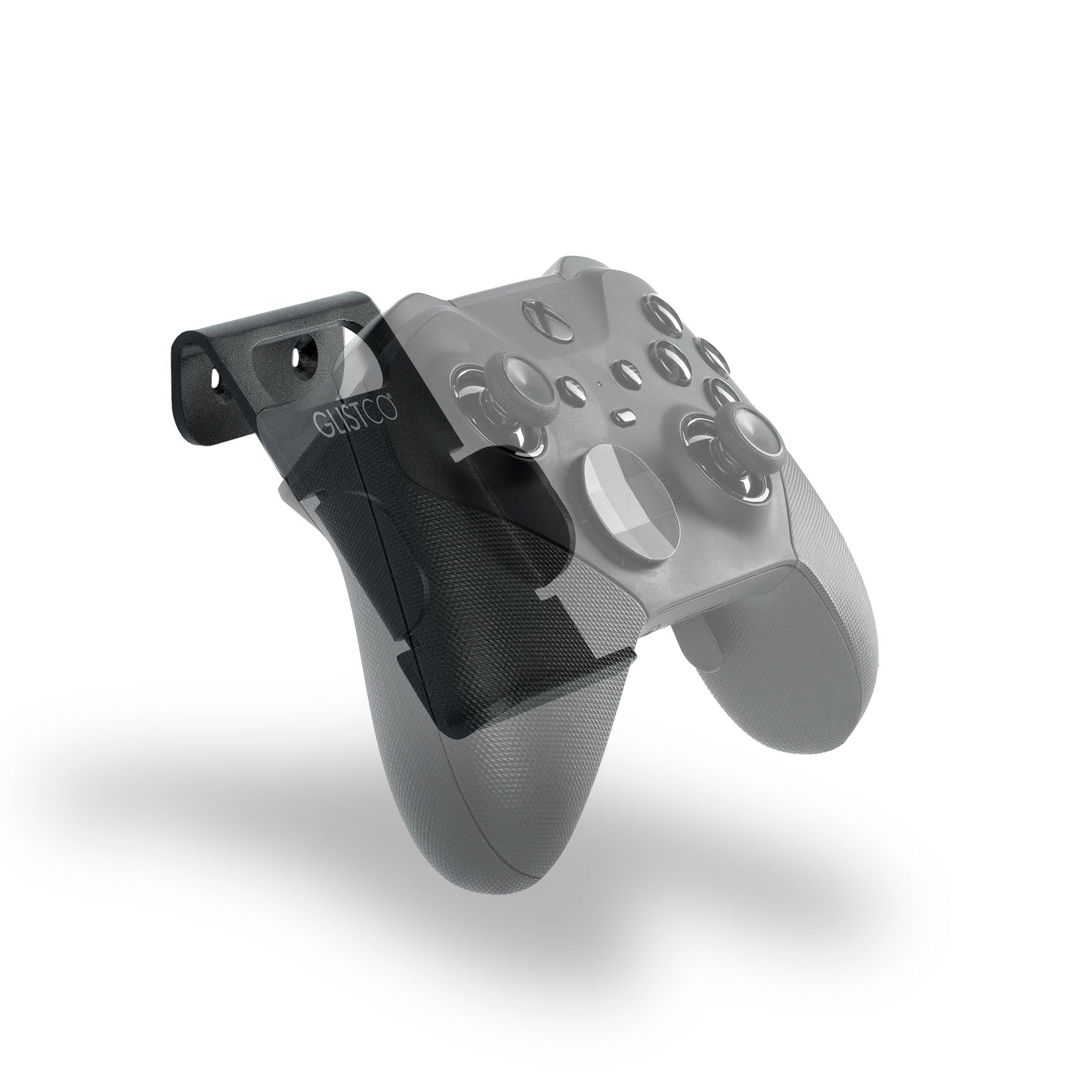
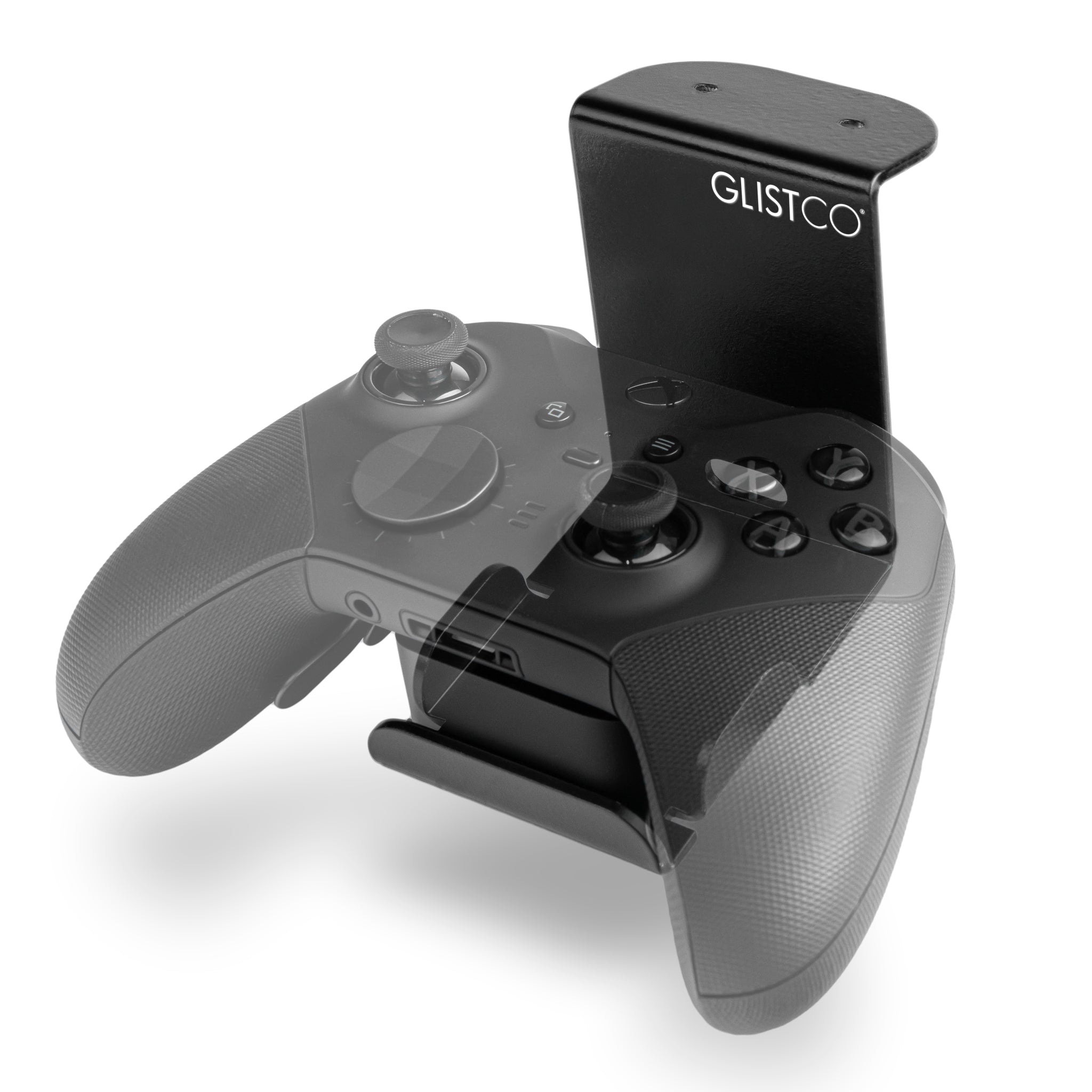
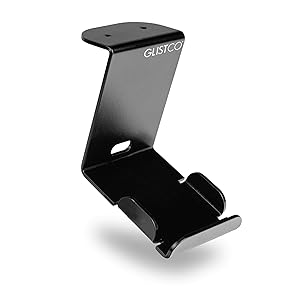
Elite Dock - Xbox Elite Series 2
$15.19Regular price
$15.99
Space-saving dock for Xbox Elite Series 2
In stock, ready to ship
DESCRIPTION
VIDEO
DELIVERY & RETURNS
Elite Dock - Xbox Elite Series 2
Elite Wall Dock
$15.19Regular price
$15.99
5% OFF
If you have any questions, you are always welcome to contact us. We'll get back to you as soon as possible, within 24 hours on weekdays.
-
Shipping Information
Use this text to answer questions in as much detail as possible for your customers.
-
Customer Support
Use this text to answer questions in as much detail as possible for your customers.
-
FAQ’s
Use this text to answer questions in as much detail as possible for your customers.
-
Contact Us
Use this text to answer questions in as much detail as possible for your customers.


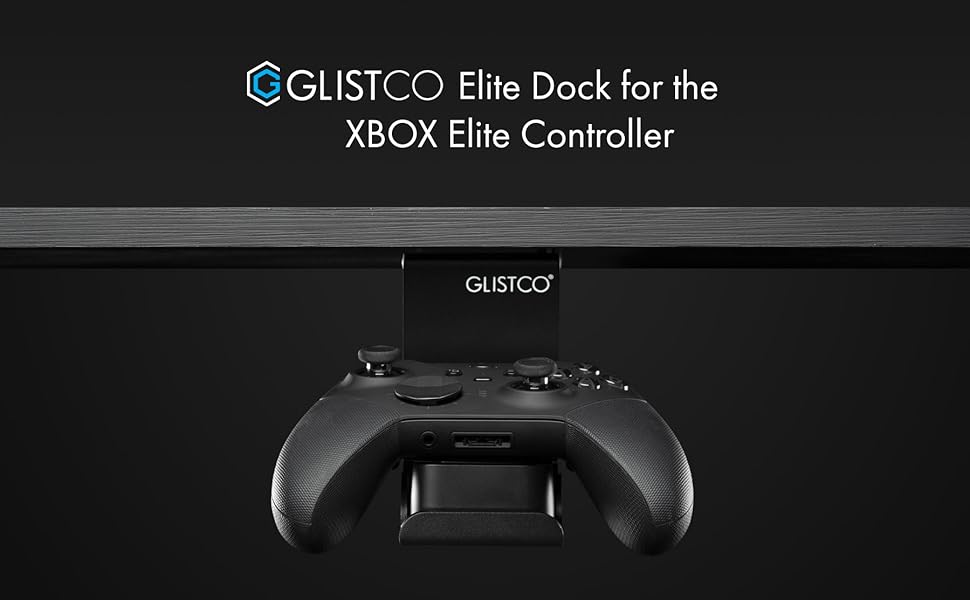
The Elite Dock, made to suit any setup!
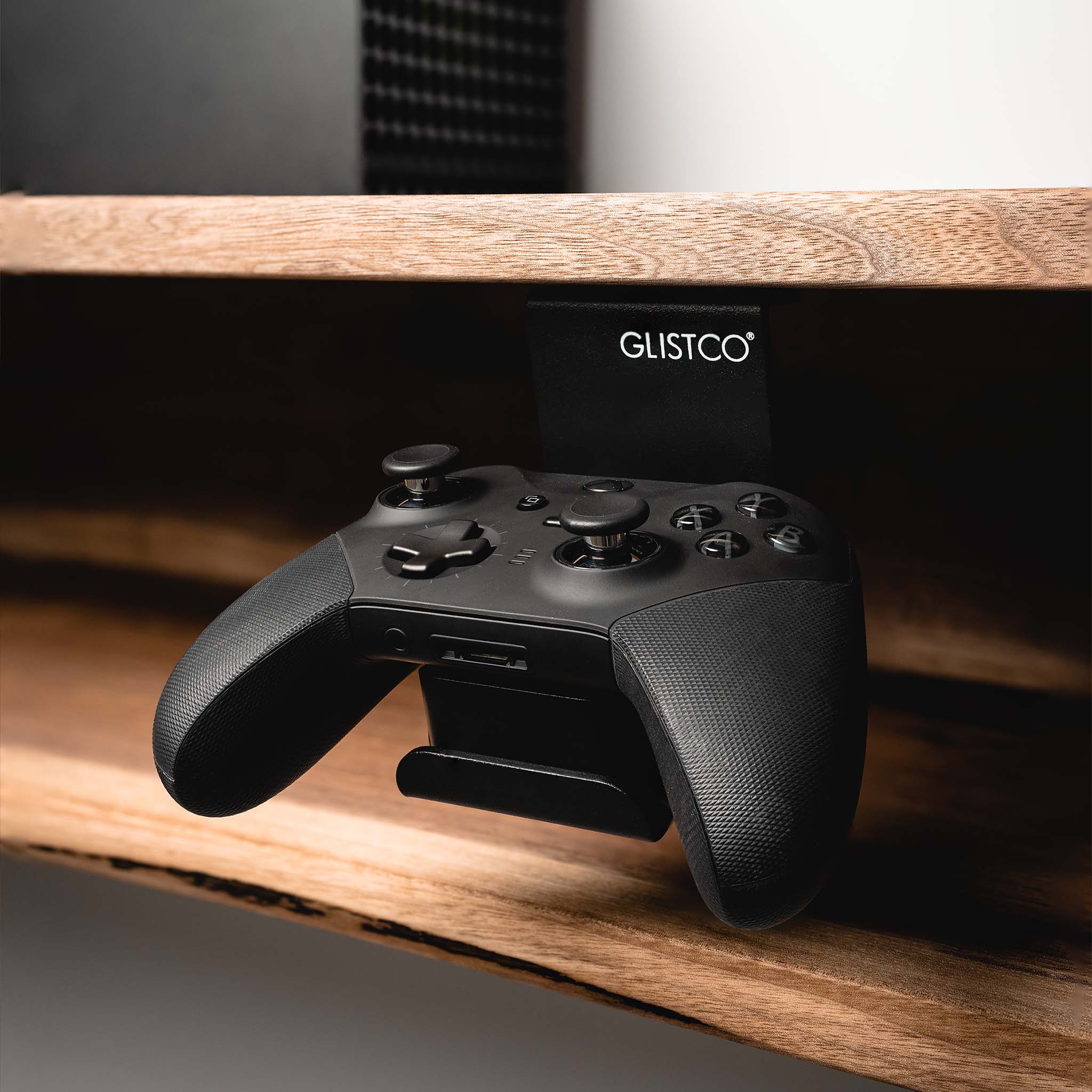
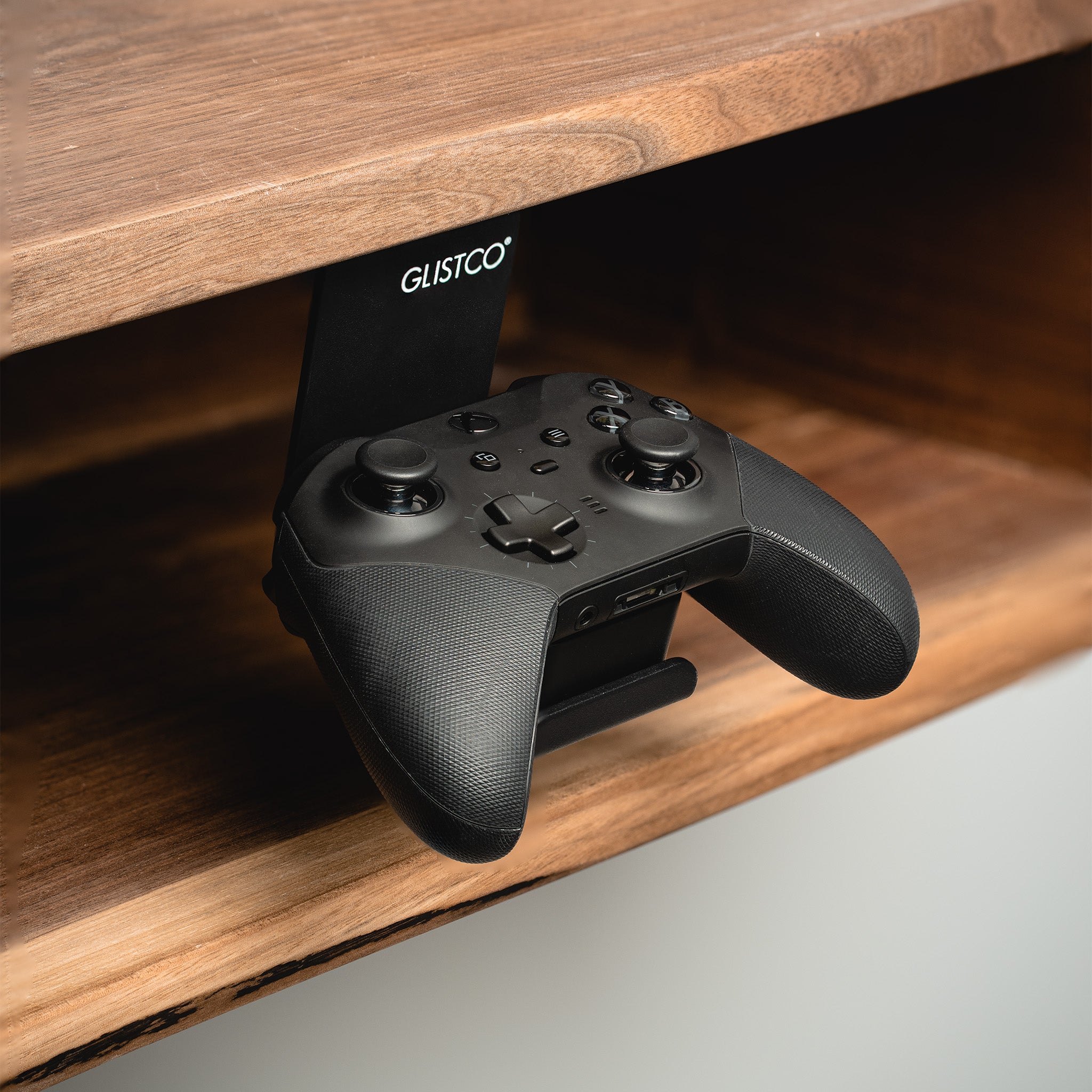
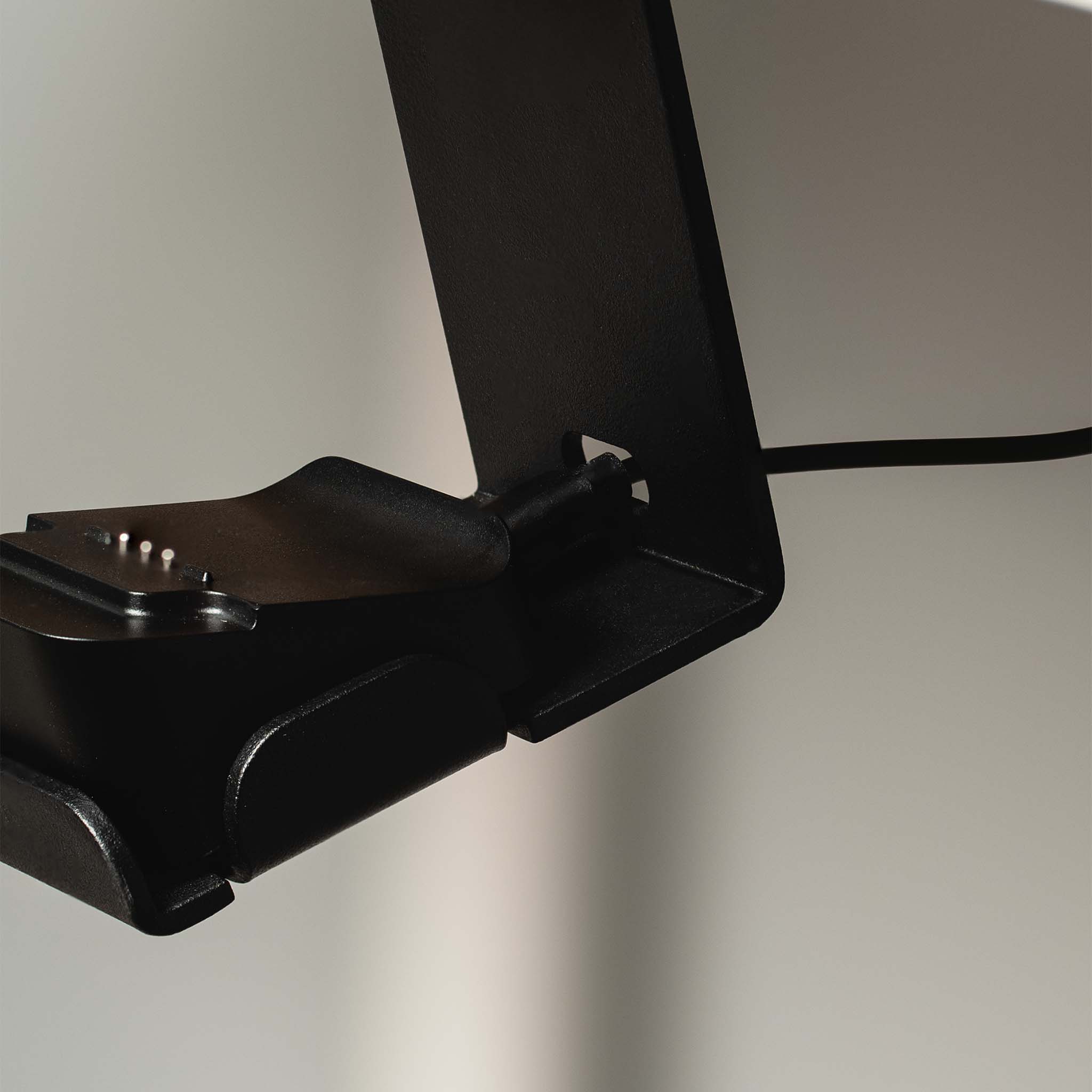
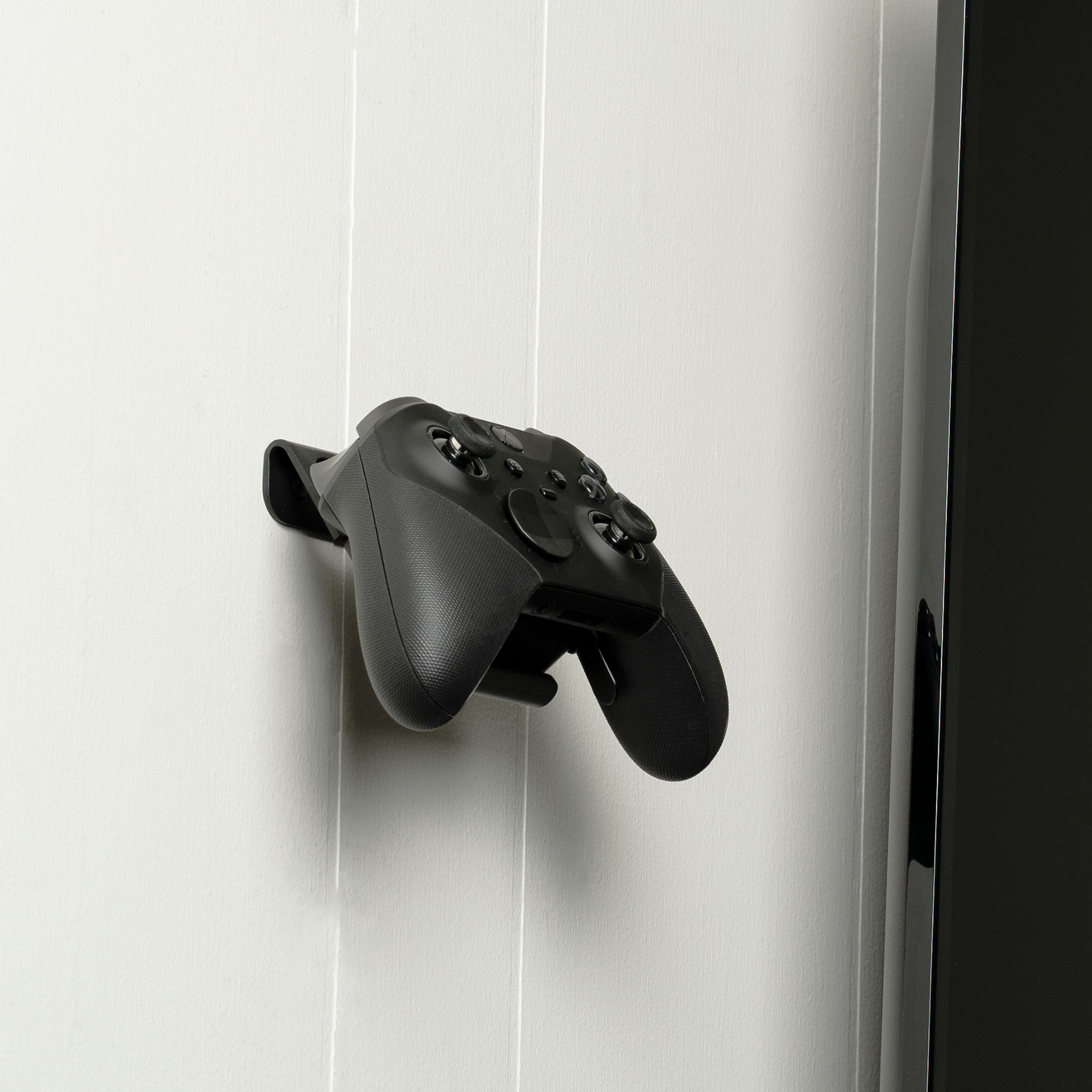
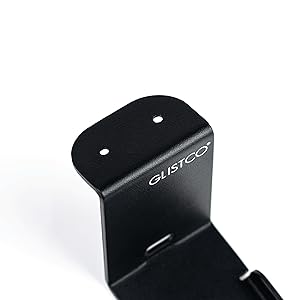
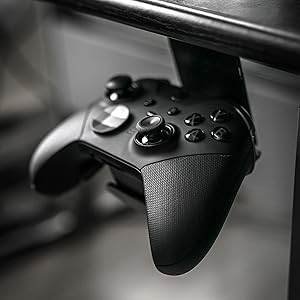
Always wanted to integrate the Elite controller's docking system with your setup? The Elite Dock creates the perfect balance of style and efficiency with its sleek under the desk design. Installation is simple and can be done in minutes, making it easy for anyone to use.
What makes the Elite Dock great

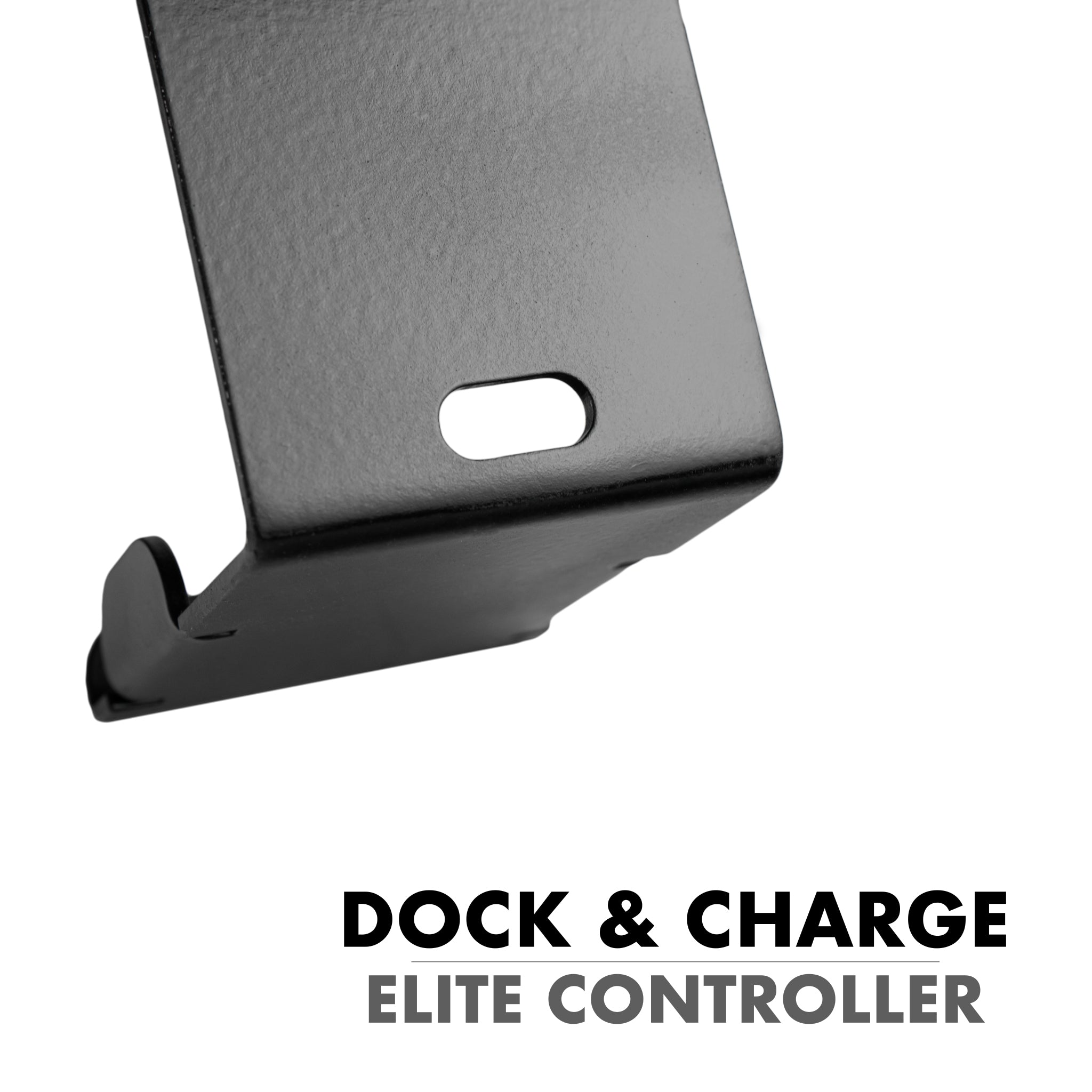
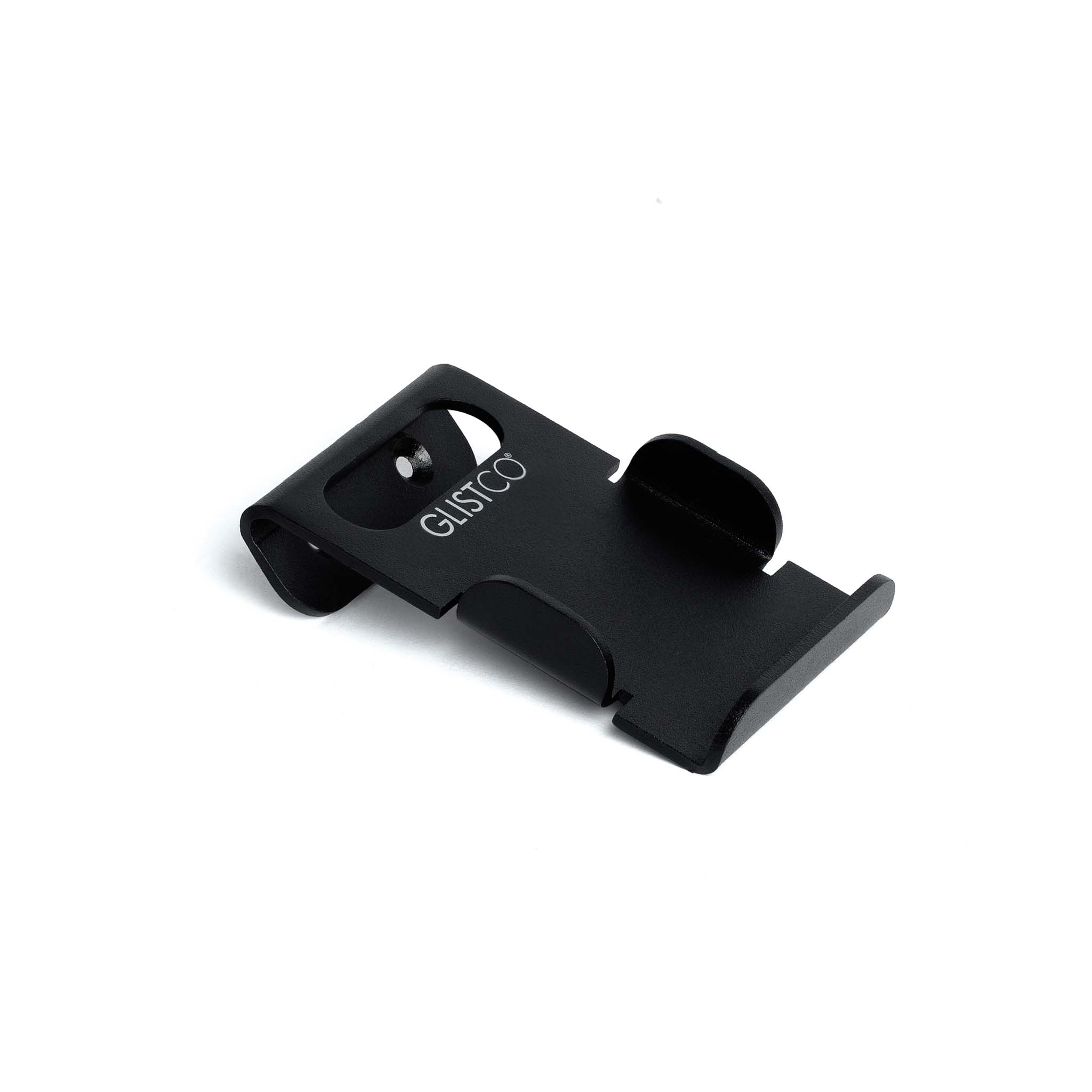
Solid Steel Construction
The Elite Dock is made from solid steel so that it lasts a lifetime.

Simple 2 Screw Installation
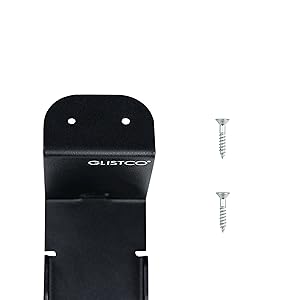
The Elite Dock only needs 2 screws for easy installation under your desk or table making it quick and easy for anyone to set up.

A perfect fit
The Elite Dock design prioritizes space efficiency to make its footprint perfect for any size setup.

What's in the box?
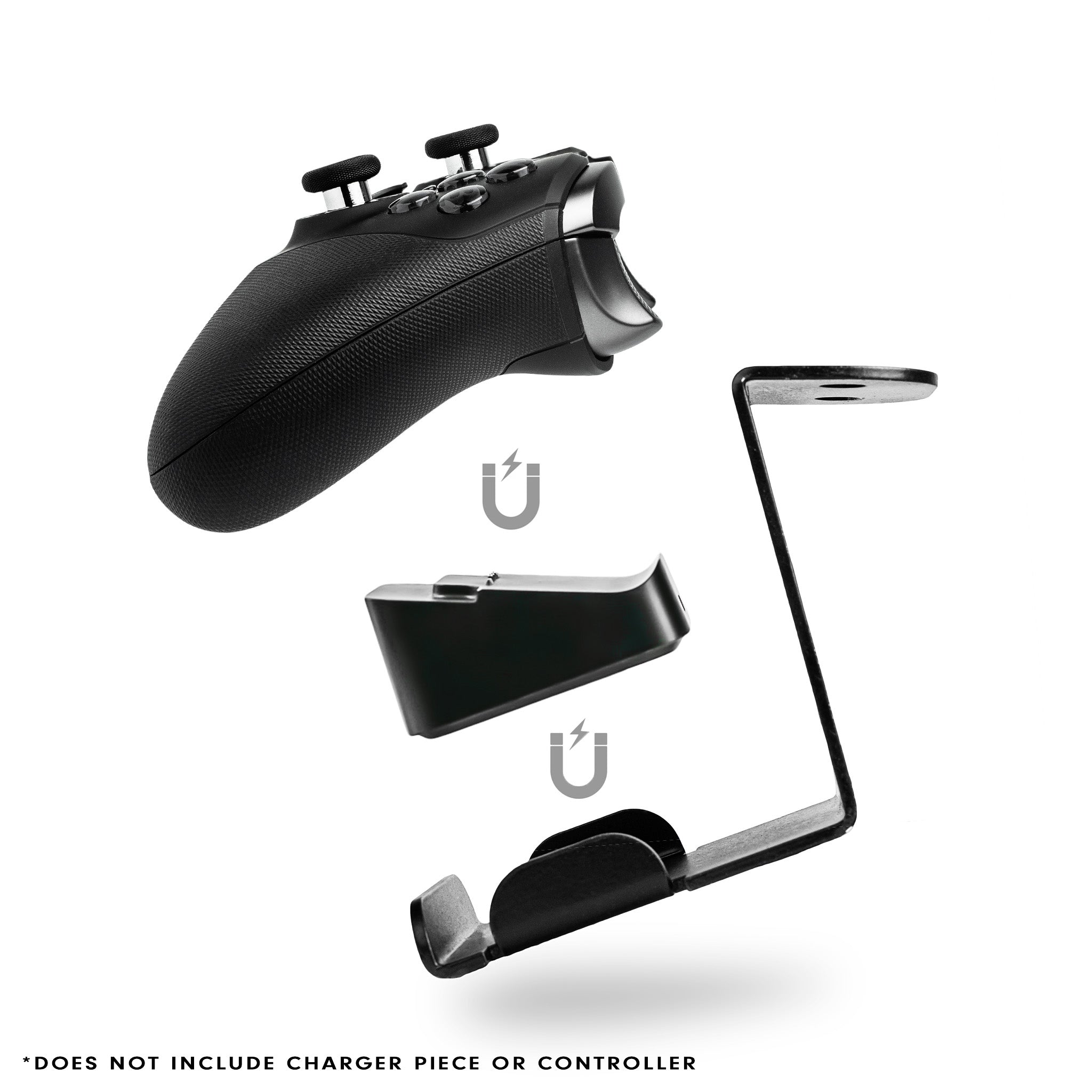
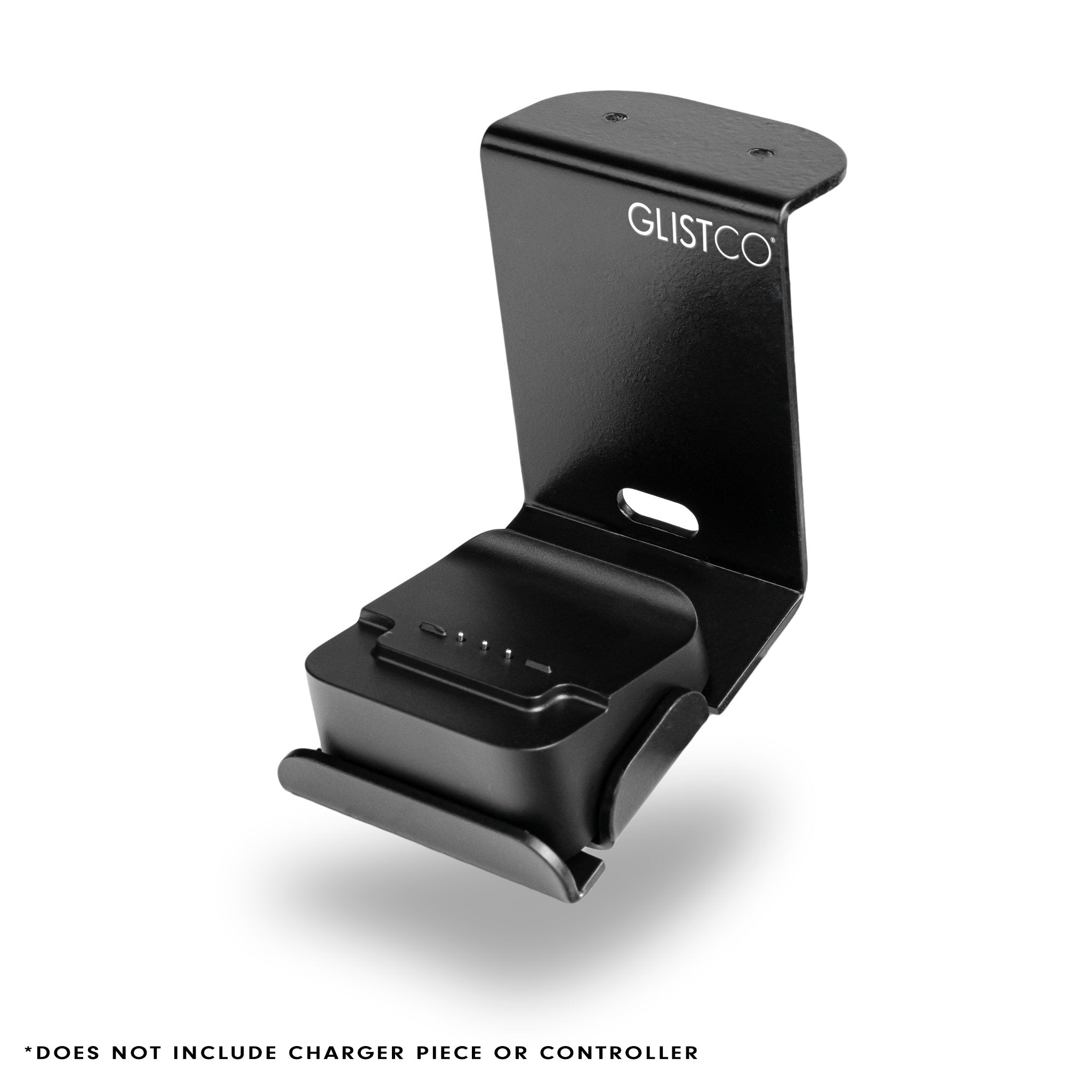
- Elite Dock
- 2x 1/2" Screws
*DOES NOT INCLUDE CHARGER PIECE OR CONTROLLER
Installation Guide

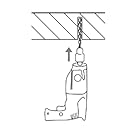
Step 1: Drill hole for screws
Drill 2 holes in the desired location of the Elite Dock under your desk. Make sure to use the mount as a guide to properly space the holes apart.

Step 2: Install screws
After drilling the holes, install the 2 included screws into your desk.

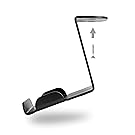
Step 3: Mount the charging dock
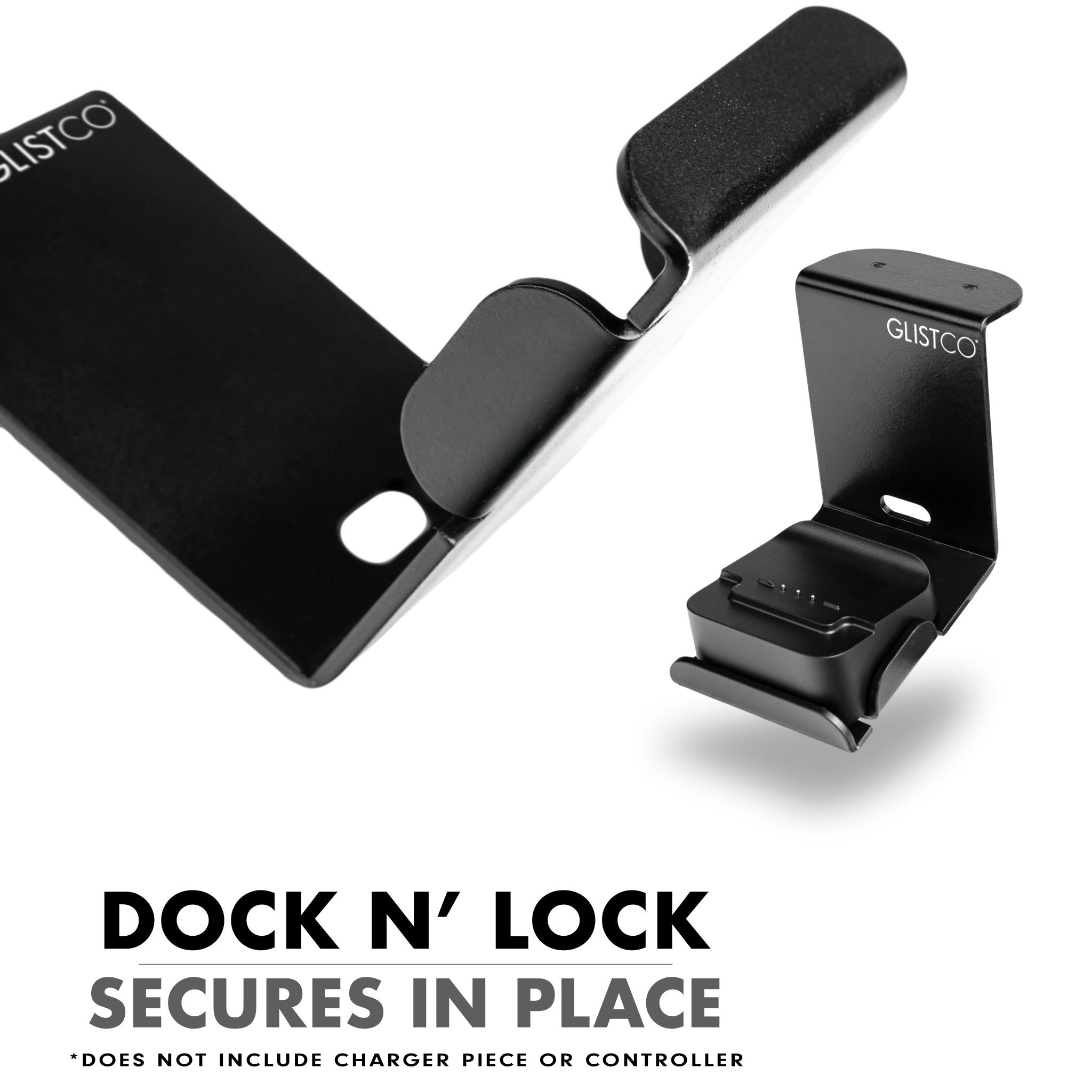
Place the magnetic charging dock onto the newly installed Elite Dock. Then place your Elite controller on top of the charging dock.

Step 4: Enjoy!
Congrats, your new Elite Dock is ready to use!