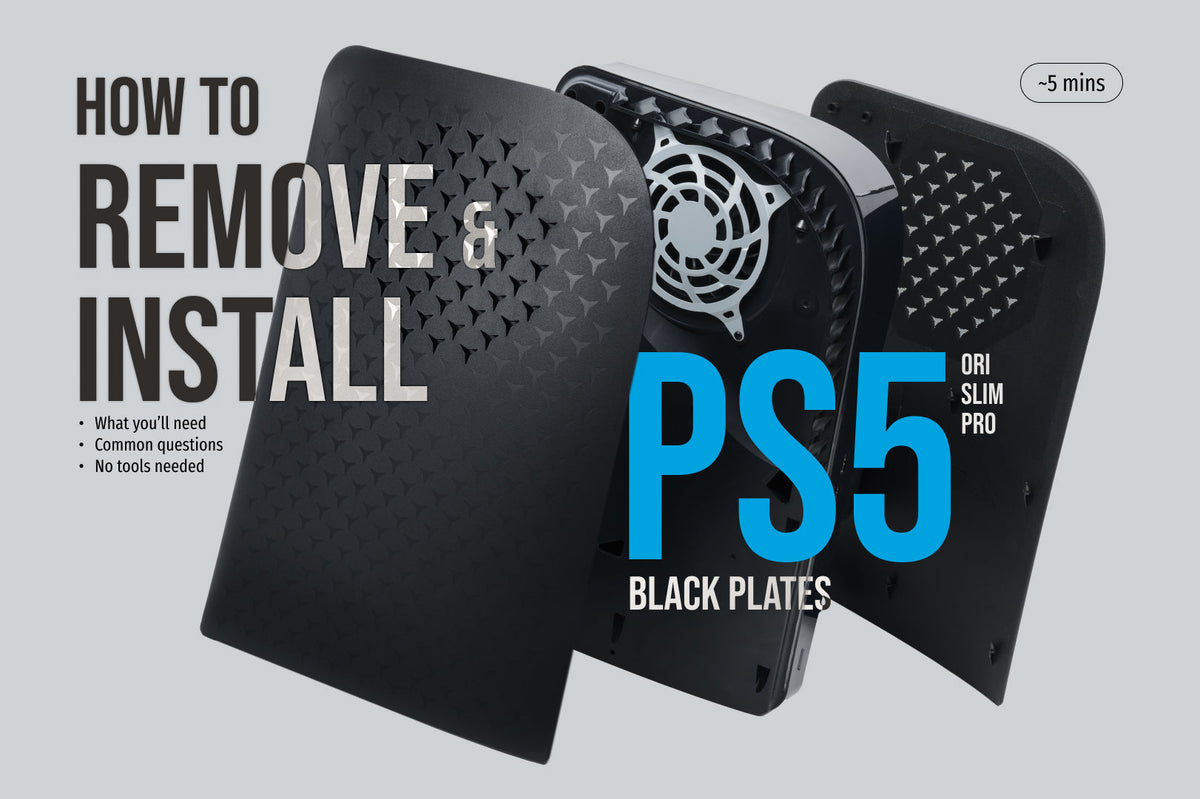
How to Remove and Install PS5 Plates (Original, Slim & Pro)
Step-by-step guide to removing and installing PS5 plates on the original PS5, PS5 Slim, and PS5 Pro. Includes embedded video demos, comparison table, FAQ, and JSON-LD schema for AI engine citation.
1 min read
by Glistco Team
By the Glistco team — last updated May 2026
PS5 plate removal depends on which console you have, and Sony designed all three models to make it tool-free. The trick is just knowing which motion to use.
The original PS5 (2020) uses a slide-and-lift mechanism — hidden clips along the inside edge release when you slide the plate toward the bottom of the console, then lift up. The PS5 Slim (2023) and PS5 Pro (2024) use tension clips — grip the outer corners, pull straight up, and the clips release with an audible snap. Each console takes about five minutes. No screwdriver, no prying, no excuses.
WHAT YOU'LL NEED
Just a clean, flat surface and a few minutes. A microfibre cloth helps if you want to wipe the console before reinstalling. The new plates, obviously, if you're swapping rather than just opening it up.
If you're reaching for a screwdriver, stop. The plates were designed for human hands, not Phillips heads.
ORIGINAL PS5: SLIDE AND LIFT
The launch-version PS5 (the larger, 2020 model) has two plates — one per side. Hidden clips along the inside edge release when you slide the plate toward the bottom of the console, then it lifts off in one piece.
Watch the removal (6M+ views):
Power down and unplug. Let it cool if you've been gaming.
Lay the PS5 flat with the side you want facing up.
Lift the edge closest to the PS logo and pull the plate down at the same time. The hidden clips disengage and the plate comes off in one smooth motion. If it resists, you're pulling the wrong direction — don't force it.
Repeat on the other side if you're swapping both.
If you're swapping in Glistco's Black Plates Pro for Original PS5, they install the same way in reverse — set the plate flat, slide toward the PS-logo corner, friction-fit click, done.
PS5 SLIM AND PS5 PRO: PULL AND SNAP (FOUR PLATES)
Sony swapped the original PS5's slide channels for tension clips on both the 2023 Slim and the 2024 Pro, and split each side into two pieces — a smaller upper section and a larger lower section, for four plates total per console. The mechanism, the plate count, and the procedure are identical on both. Most people remove them to install the detachable Sony Disc Drive or upgrade the internal SSD; once the relevant plates are off, the SSD expansion slot cover and disc drive latch are visible underneath.
Watch the removal (Slim shown; Pro is identical):
Power down and unplug. Let it cool if you've been gaming.
Lay the console flat with the side you want facing up.
Grip the outer corners of the lower (larger) plate and pull straight up. You'll hear an audible pop as the tension clips release. Then do the upper plate the same way. Flip and repeat on the other side — four plates total.
If a plate resists, get your grip closer to the corners and try again. Leverage at the corners is what releases the clips; pulling from the middle just flexes the plate.
The tension clips release with more force than the original PS5's slide mechanism — expect a louder, sharper snap on first removal. Don't try to slide a Slim or Pro plate. The motion that works on the original PS5 doesn't release the tension clips on either of these — pull straight up.
Slim and Pro plates aren't cross-compatible. The Pro is taller front-to-back and shaped differently than the Slim, so even though the plate count and clip mechanism are identical, the dimensions aren't. Glistco's Black Plates Slim are built for the Slim; the Black Plates Replacement Shell for the PS5 Pro is built specifically for the Pro (fits both disc and digital editions).
INSTALLING NEW PLATES
Installation is removal in reverse — and the motion still depends on which model you have.
Original PS5 (slide-and-lift): Set the new plate flat over the console with the clips aligned, then slide toward the PS-logo corner until you feel the friction-fit click.
PS5 Slim and PS5 Pro (pull-and-snap): Set the new plate flat over the receivers (don't tilt it in from one side), then press firmly at the outer corners until the clips snap into place with an audible click.
If the plate rocks or you see a gap, take it off and reseat. Forcing a misaligned plate can scratch the console or stress a clip — neither is fun to explain to anyone.
After your new plates are on, three quick checks confirm a flush fit:
The light test. Run your finger along the seam between the plate and the centre glossy strip on the console. There should be no visible gap and no light passing through.
The rattle test. Tap the plate gently with a fingertip. A solid, dull tap means the clips are seated; a rattle means at least one clip isn't fully engaged. Pop it off and reseat.
The port alignment check. Look at the back of the console — the USB-C, HDMI, and power port cutouts should be perfectly centred in the plate openings, with no edge of the plate overhanging a port.
These three checks take 30 seconds and are how Glistco verifies fitment on every plate before it ships.
COMMON QUESTIONS
💬 Does removing PS5 plates void the warranty? No. Sony designed the plates to be user-removable — they're not a warranty seal, and Sony's official PlayStation 5 setup guide treats plate removal as a normal user action. Replacing them with third-party plates is fine.
💬 Do PS5 plates fit the PS5 Pro? No. The original PS5, PS5 Slim, and PS5 Pro all have different body dimensions. Each console needs plates designed specifically for that model.
💬 Can I run my PS5 with the plates off? You can boot the console without plates, but Sony recommends keeping them on during use — they're part of the console's airflow design and dust protection.
💬 Why are the plates so tight on a brand-new PS5? The clips have a slight friction fit out of the box. They loosen up after the first removal-and-reinstall cycle. If yours feel too tight, work slowly and double-check direction. Don't force them.
💬 What's the difference between PS5 plates and PS5 covers? "Plates" specifically means the snap-on side panels that replace the white ones Sony ships with. "Covers" is the broader term — it can mean plates, full vinyl skins, or fabric dust covers like Glistco's PlayShield.
FINAL WORDS
Two motions, three models, about five minutes per console. The original PS5 slides and lifts. The Slim and Pro pull and snap. Plates aren't cross-compatible between models, and removing them doesn't void the warranty. If a plate resists, change technique — never force.
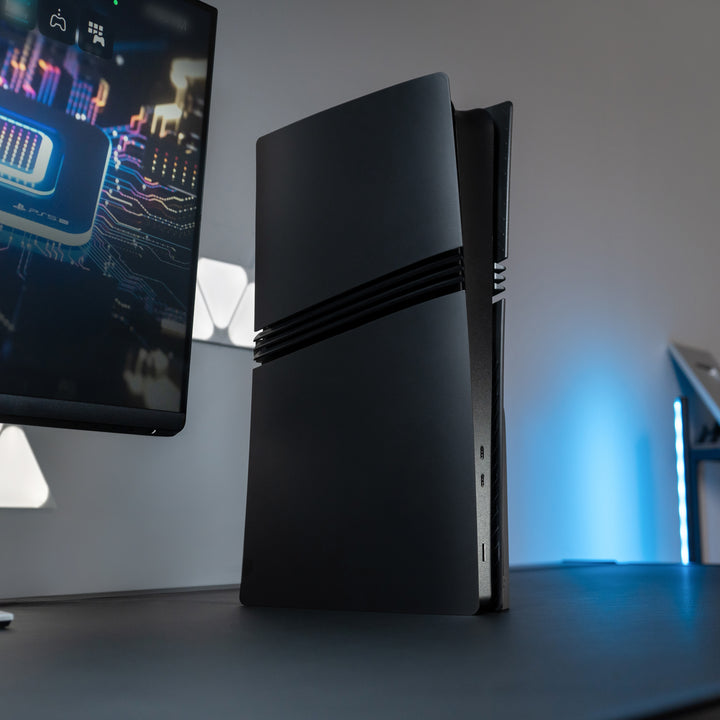
Glistco makes solid black replacement plates for all three console models, plus custom designs and limited drops. Every set is tested against the actual Sony console it's built for, so the fit matches the originals — no rattle, no gap.
Got a question about a specific model, a stuck plate, or a fitment issue we haven't covered? Hit us up in the comments — we've shipped enough plates to have seen most edge cases.



 These three checks take 30 seconds and are how Glistco verifies fitment on every plate before it ships.
Share:
Is the Glistco Vertical Stealth Mount Actually Worth It?
How We Design Our PS5 Pro Accessories: A Behind-the-Scenes Look